
Step 1: Rate and Write a Review
Navigate to the starred review section and you’ll see five empty stars on display, waiting to be filled to your heart’s content.

Assign a rating that fits the service you received after which, you have the option of elaborating on your customer experience if you so wish.

You may have reached this step without a single barrier stopping you from rating and filling out your own review.
If not, you may get a prompt through a pop-up box to sign in.
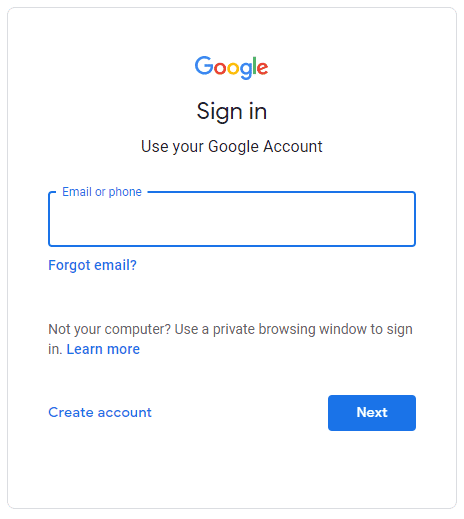
Step 2: Connect the Email of Your Preference
If you’re still looming over that seemingly intimidating pop-up asking you to sign in, don’t worry. Go ahead and click “Create account.”
But instead of creating a Google account, you’ll see another handy alternative on the next page.
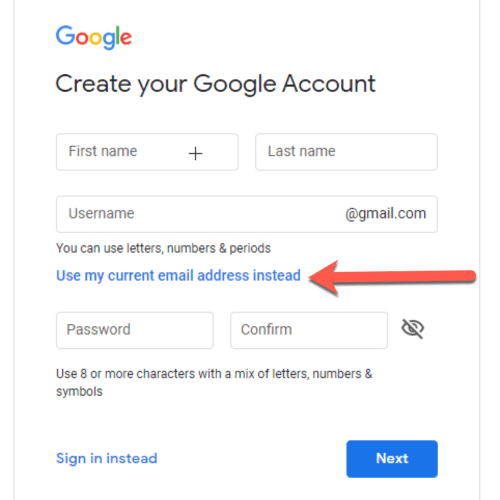
Click the option: “Use my current email address instead” and you’re good to go!
You will then get redirected back to the reviews page and be free to proceed with your Google review.
